
WindowsFor you
Windows 10 or newer, 64-bit
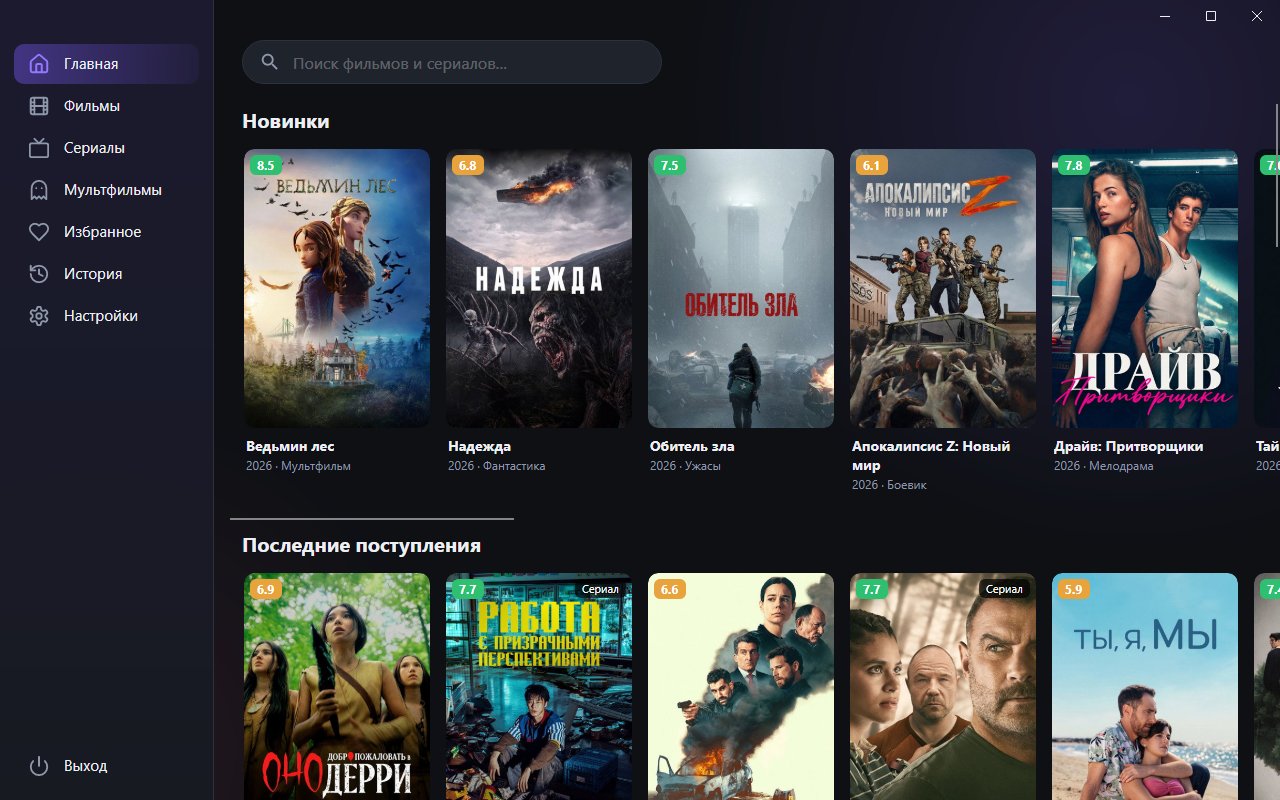
A catalog of movies, series, cartoons and anime in a regular Windows window: built-in player, search, favorites and Continue watching.
Version 1.1.0
Always the latest version: the links update by themselves when a release comes out.
Windows 10 or newer, 64-bit
Take CineTV-Setup-<version>.exe (recommended) or the portable archive CineTV-Portable-<version>.zip.
The wizard shows your system language. Choose who to install for: just me (no administrator rights needed) or all users, then the folder and a desktop shortcut.
The installer is not signed with a certificate yet, so SmartScreen says "Windows protected your PC". Click More info → Run anyway.
Open CineTV from the Start menu, find a movie and press Watch. Unpack the portable version into any folder (preferably not Downloads) and run CineTV.exe.
The installer is not signed with a developer certificate yet, so SmartScreen asks you to confirm the launch: More info → Run anyway.
Portable needs no installation and runs from a folder, but it does not update itself: download the archive again for a new version. The installed version offers updates by itself.
Space or K: pause. ← and →: seek. ↑ and ↓: volume. F or F11: full screen. M: mute and unmute.
No. Everything needed is already part of the app.
Download the APK for your processor (arm64-v8a for most boxes and TVs) and install it on Android TV 10 or newer. The app works with a regular remote: arrows, OK and Back.
Learn more →Open the .dmg for your Mac: Apple Silicon (M1 and newer) or Intel. macOS 12 Monterey or newer is required. The builds are not signed yet, so on first launch you confirm opening them as the guide describes.
Learn more →