
LinuxFor you
Debian 13 (x64), mouse and keyboard
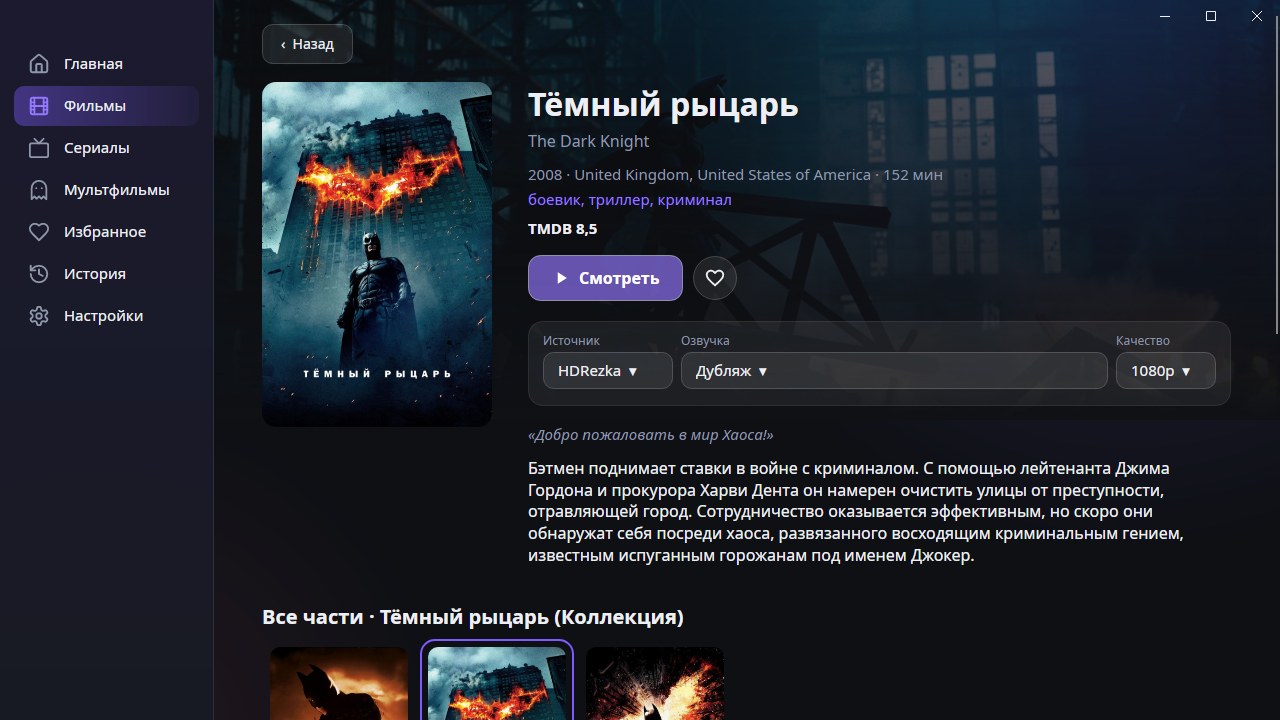
A catalog of movies, series, cartoons and anime in an ordinary Linux window: a built-in player, search, favorites and Continue watching.
Version 1.1.0
Always the latest version: the links update by themselves when a release comes out.
Debian 13 (x64), mouse and keyboard
CineTV-<version>-linux-x64.deb from the releases page. The package is not signed and there is no warning on launch.
In the folder with the file run: sudo apt install ./CineTV-<version>-linux-x64.deb. The libraries it needs (the LibVLC video player, WebKitGTK and others) are pulled in by themselves.
Find CineTV in the application menu or run the command cinetv in a terminal.
The app does not update itself: to get a new version install the new .deb over the old one. Your settings and history in ~/.config/CineTV stay.
Open the downloaded .deb in the software installer of your desktop. If there is none, use sudo apt install ./CineTV-<version>-linux-x64.deb.
The app uses the system packages libvlc5 and vlc-plugin-base, and the sound goes through PulseAudio or PipeWire. The log is ~/.config/CineTV/cinetv.log: it says which library is missing.
sudo apt remove cinetv. Your settings and history in ~/.config/CineTV stay, delete them by hand if you want.
For now only Debian 13 on x64 is claimed. The rest has not been tested.
Download the APK for your processor (arm64-v8a for most boxes and TVs) and install it on Android TV 10 or newer. The app works with a regular remote: arrows, OK and Back.
Learn more →Run the installer or unpack the portable version. You need Windows 10 or newer, 64-bit. .NET and the video player are already inside the app, so there is nothing else to install.
Learn more →Open the .dmg for your Mac: Apple Silicon (M1 and newer) or Intel. macOS 12 Monterey or newer is required. The builds are not signed yet, so on first launch you confirm opening them as the guide describes.
Learn more →